

April 1st passes by, leaving behind pranks and fake rumors that make you question everything on April Fools' Day.
But scammers? They keep coming.
Spring stands as a peak season for cybercriminals. Not due to carelessness, but because everyone is hustling, slightly distracted, and pushing through their tasks quickly. That's when those nearly convincing attacks slip past defenses - blending seamlessly into the daily workflow until it's too late.
Here are three ongoing scams targeting not the gullible, but sharp, well-intentioned team members just trying to get their work done.
As you read, ask yourself honestly: Would my entire team take the time to detect each scam?
Scam #1: Toll Road or Parking Fee Text Scams
An employee receives a sudden text:
"You owe $6.99 for an unpaid toll. Pay within 12 hours to avoid penalties."
This message cites a genuine toll system—E-ZPass, SunPass, FasTrak—matching their state. The small fee feels harmless.
Between meetings, they click the link, make the payment, and continue without suspicion.
But the link is fraudulent.
In 2024, the FBI logged over 60,000 complaints related to fake toll texts, surging 900% in 2025. Researchers uncovered more than 60,000 bogus websites pretending to be official toll sites—a clear sign this scam rakes in big profits. Some texts even target states without toll roads.
Why does this trick work? Because a $6 charge seems low-risk, and most people have recently encountered tolls or parking fees, making the alert believable.
How to defend: Real toll agencies never demand immediate payment via text messages. Establish a strict policy: no payments through text links. If suspicious, employees should visit the official site or app directly. Avoid replying to such texts—even "STOP"—to prevent confirming your number and attracting further scams.
When convenience is the lure, following a process is your strongest shield.
Scam #2: Fake "Your File Is Ready" Emails
This scam blends seamlessly into daily work routines.
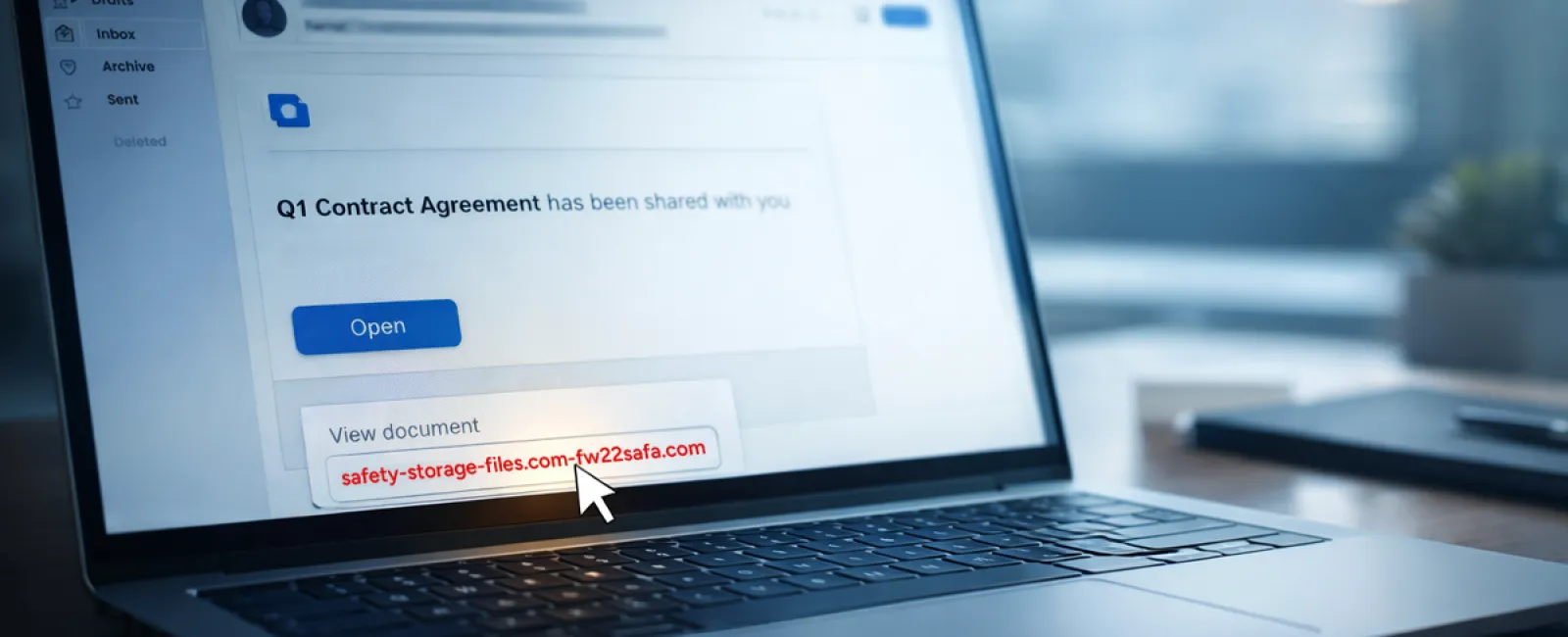
Employees get emails indicating a document was shared with them—perhaps a contract via DocuSign, a spreadsheet through OneDrive, or a file on Google Drive.
The sender appears legitimate and the email formatting mirrors authentic notifications.
They click the link, prompted to log in using work credentials.
Now, hackers have access to your company's cloud network.
Such attacks have surged aggressively. In 2025, phishing on platforms like Google Drive, DocuSign, Microsoft, and Salesforce jumped 67%, with phishing via Google Slides increasing over 200% in six months, according to KnowBe4's Threat Labs.
Employees are seven times more likely to trust links from OneDrive or SharePoint notifications than random emails, as these messages look genuine.
Even more concerning: attackers exploit compromised accounts to send sharing notifications from official servers, bypassing spam filters entirely.
Effective defense: Train employees to avoid clicking unexpected shared file links. Instead, they should log into the platform manually through a browser to verify any shares. Businesses can also reduce risk by limiting external file-sharing permissions and enabling alerts for unusual logins—configurations your IT team can handle swiftly.
Simple habits lead to powerful protection.
Scam #3: The Polished Phishing Email
Phishing emails used to be obvious — poor grammar, odd formatting, nonsensical messages.
Now, those days are gone.
A 2025 study revealed AI-crafted phishing emails have a 54% click rate—more than four times higher than human-written scams at 12%. They're convincing because they pull accurate company info, real job titles, and authentic workflows scraped in seconds from LinkedIn and websites.
Modern attacks target specific departments: HR and payroll receive fake employee verifications, finance teams get vendor payment redirection requests. One test showed 72% of employees fell for vendor impersonation emails—a 90% higher rate than other phishing types. These messages feel normal, calm, professional, and subtly urgent, like an average Tuesday email.
How to stay safe: Verify any request involving credentials, payment changes, or sensitive info using a second method—call, chat, or face-to-face. Before clicking, hover over the sender's email to confirm the domain. Treat urgency as a red flag rather than a cue to act quickly.
True security never relies on panic to prompt clicks.
The Bottom Line
All these scams thrive on familiarity, authority, timing, and the belief that "this will only take a moment."
The real threat isn't careless employees—it's systems that assume everyone will pause, verify, and make perfect decisions under pressure.
If a single rushed click could jeopardize your operations, that's not a people issue—it's a process flaw.
Fortunately, process flaws can be fixed.
We're Here to Assist
Most business owners don't want to turn cybersecurity into another project or be tasked with teaching everyone what to avoid.
They just want confidence that their business isn't silently vulnerable.
If you're worried about your team's exposure—or know someone who should be—we're ready to help.
Book a clear, no-pressure discovery call where we'll cover:
• Risks that companies like yours face today
• How threats slip in during normal daily work
• Practical strategies to minimize risk without slowing productivity
No hype. No threats. Just honest conversation about protecting your business.
Click here or give us a call at (802) 331-1900 to schedule your free Discovery Call.
If this message isn't relevant to you, please share it with someone who might benefit. Sometimes knowing the signs turns a "would have clicked" into a "nice try."